Guides ·
Why your delivery app photos matter
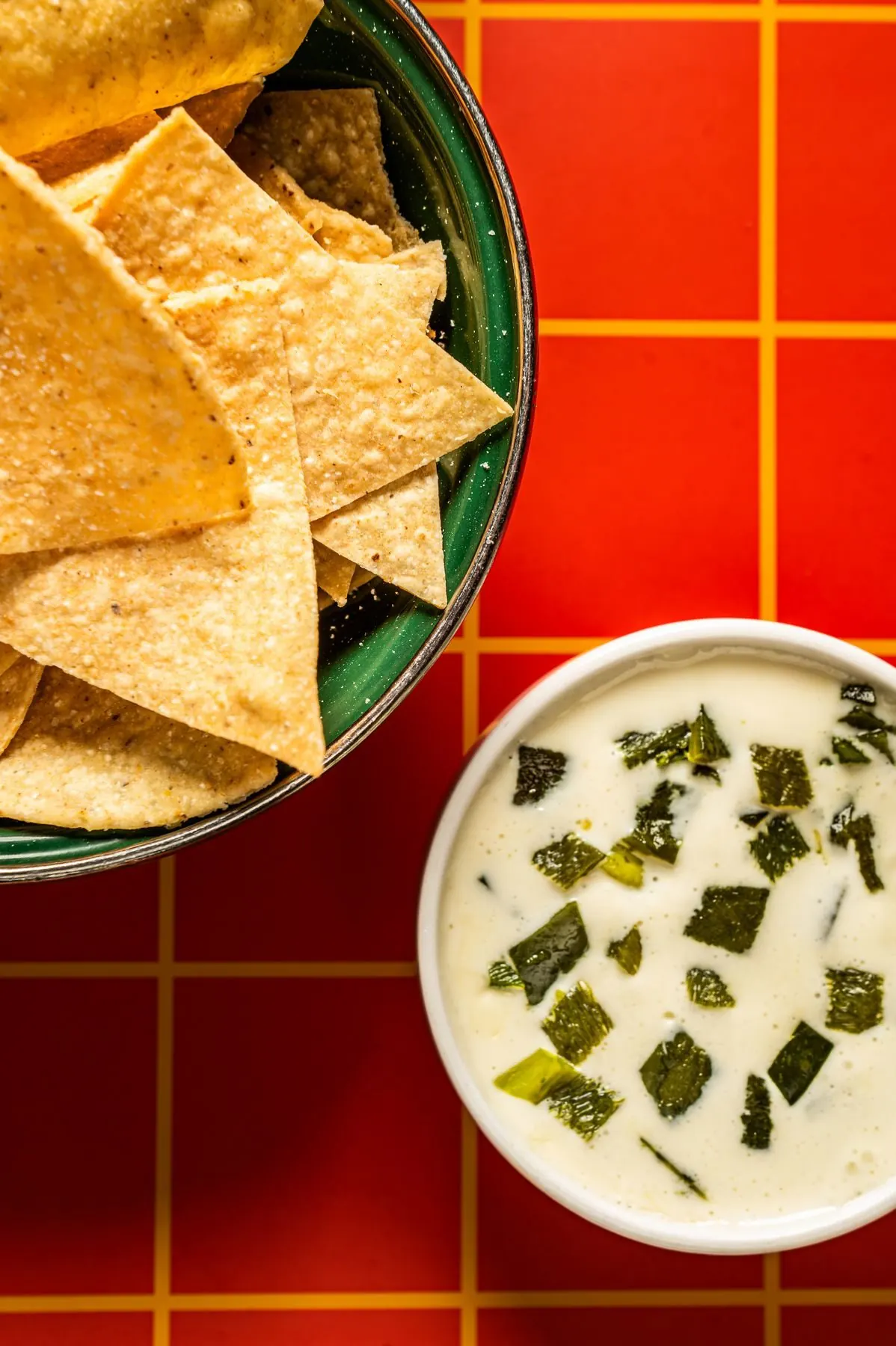
On a delivery app, nobody can smell your kitchen or see your dining room. They see a small square of food in a list. That square does a lot of work.
I think a lot of restaurants treat delivery photos as an afterthought. Someone takes a quick picture during a slow afternoon and uploads it. Some dishes have photos, some don't. Then the menu changes and the old pictures stay up for a year.
Here's what I'd pay attention to instead.
What people actually see on the apps
Most people scroll. They look at the restaurant's cover image, then a list or grid of dishes with small thumbnails next to the names and prices. On a phone those thumbnails are small. Sometimes they're cropped into a square or a circle by the app.
So a photo that looks great full size on your website might turn into a brown smudge on a delivery app. A wide shot of a whole table, with drinks and hands and napkins, gets lost. The dish itself has to carry the picture.
How to make food photos work at thumbnail size
- One dish per photo. If someone orders the chicken sandwich, show them the chicken sandwich. Not the sandwich and three sides and a beer.
- Crop tight. Fill the frame with the food. Leave a little room around the edges, since the app may trim it.
- Keep the background simple. A plain surface or a solid color lets the food stand out when it's small.
- Make it bright. Dark, moody photos look muddy on a small screen. Good light and real color read from across the room.
- Show what they'll get. Plate it like it goes out. If the order comes in a container, don't shoot it on your nicest plate with a garnish you never use.
Keep the photos matching across your menu
When you scroll a menu where every photo has a different background, a different angle and different light, it looks messy. It makes the restaurant look messy too, even if the food is great.
It helps to shoot the whole delivery menu in one session with one setup. Same surface, same light, same angle for similar dishes. When they sit together in a list, they look like they belong to the same place. That's the idea behind a menu shoot.
Update the photos when the menu changes
An old photo of a dish you changed is worse than no photo. Someone orders based on the picture and gets something different. That's how you get a bad review about something that isn't really the kitchen's fault.
Every time you add a dish, swap a side or change the plating, think about the photo too. You don't need a full shoot for that. A short session for a few new items is enough. That's what a dish drop is for: one hour, six photos, done.
Check each app's photo requirements
Every platform has its own rules for menu photos. Sizes, file types, whether they allow text or logos, whether they want the food on a plain background. The rules change, and they're not the same from one app to the next.
Before you upload anything, look at the merchant help pages for each app you're on. I'll deliver photos you can crop and export for each one, but it's worth knowing the rules so nothing gets rejected.
Where to start
If you're not sure where to begin, start with your best sellers. Pull up your sales data, find the ten or so dishes that move the most, and get good photos of those first. Then fill in the rest of the menu over time.
If you want help with it, tell me what you're working on.